Overview video on how to use Tofu with Marketo
Create a Marketo API user and custom service for Tofu
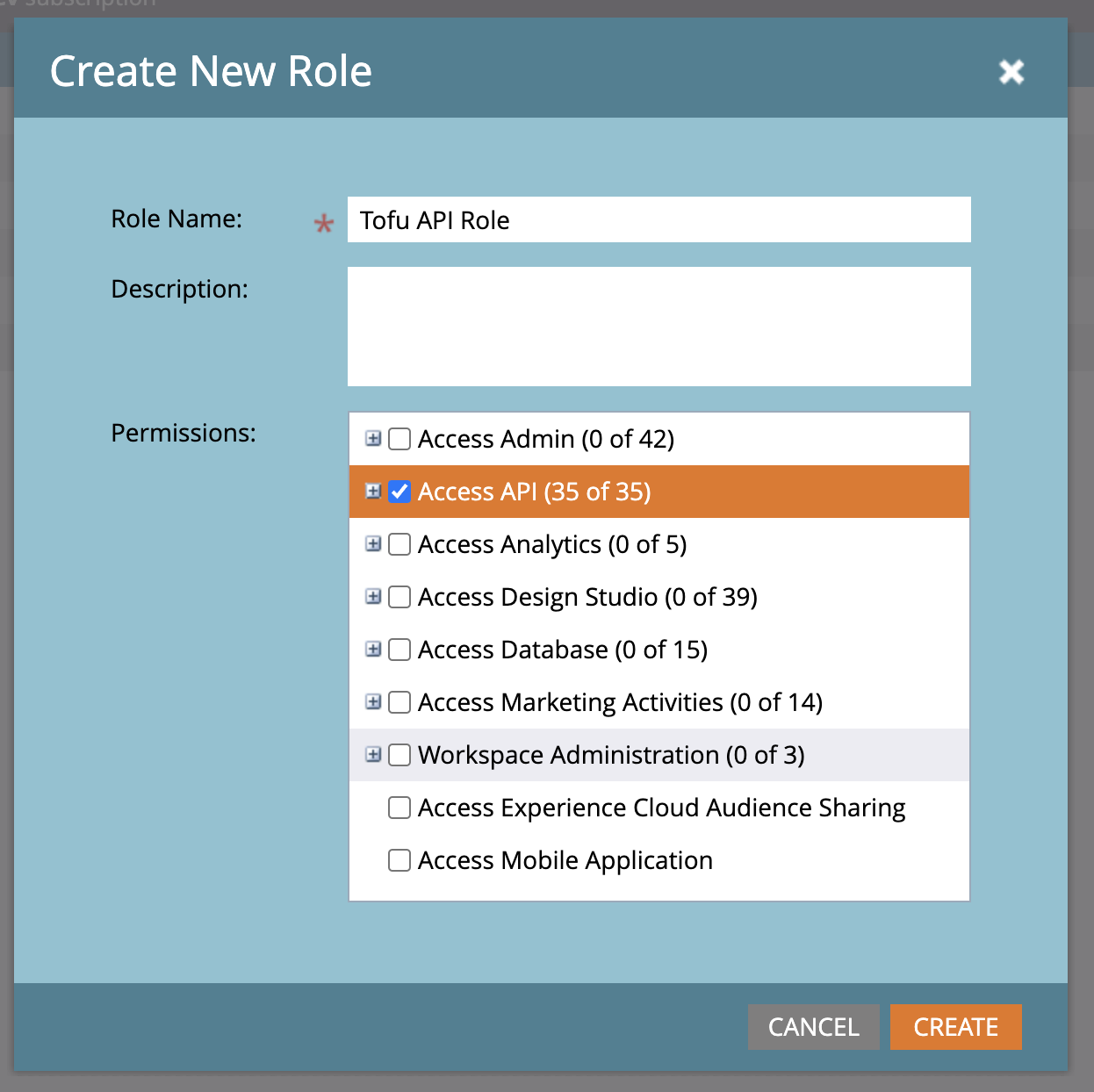
1. Create an API role for Tofu
Go to Admin → Security → User & Roles → Roles → New Role.
2. Create an API user for Tofu
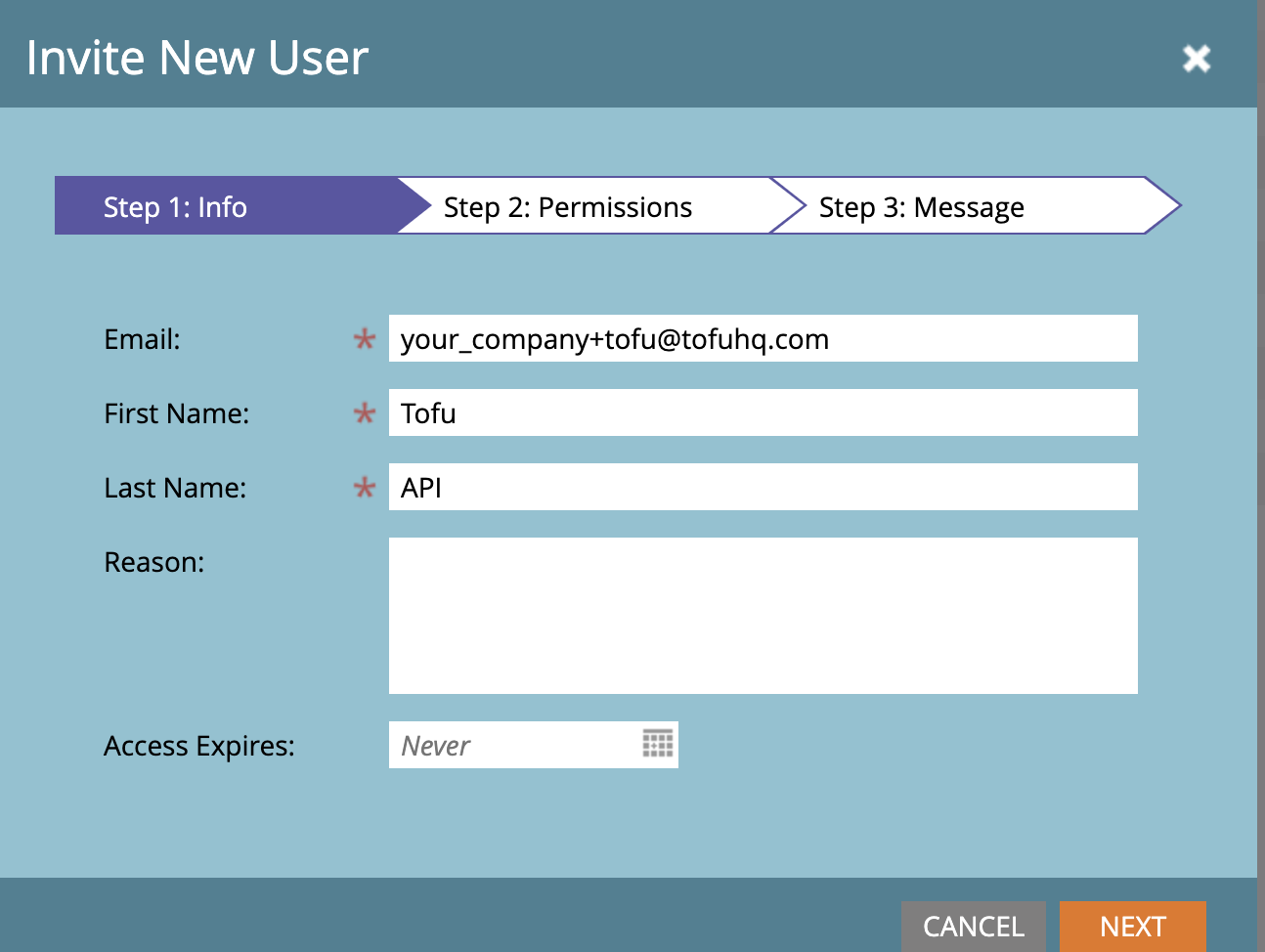
Go to Admin → Security → User & Roles → Invite New User. You can use any email to create the user.
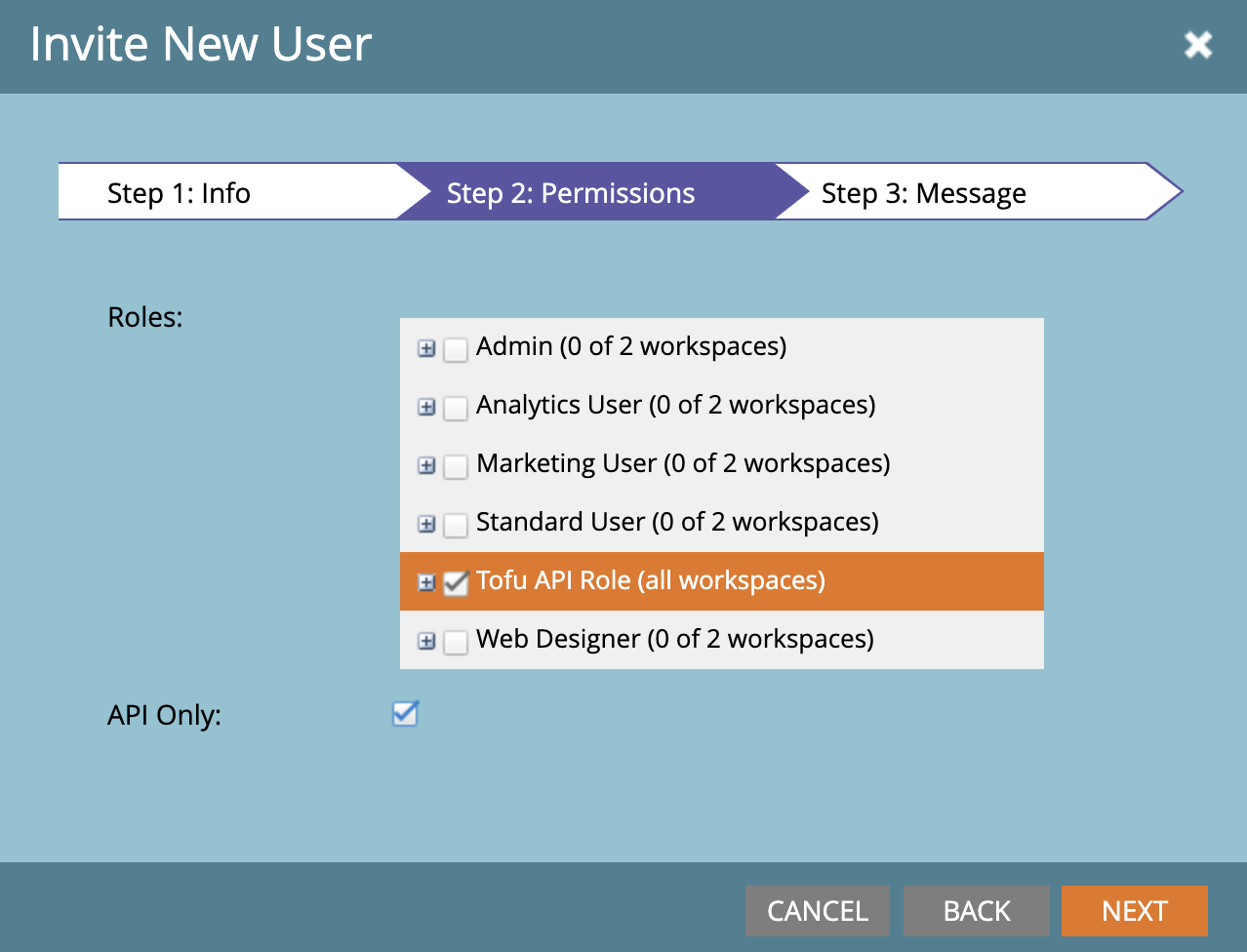
Make sure to select the role we created earlier and also check API Only.
3. Create a custom service for Tofu
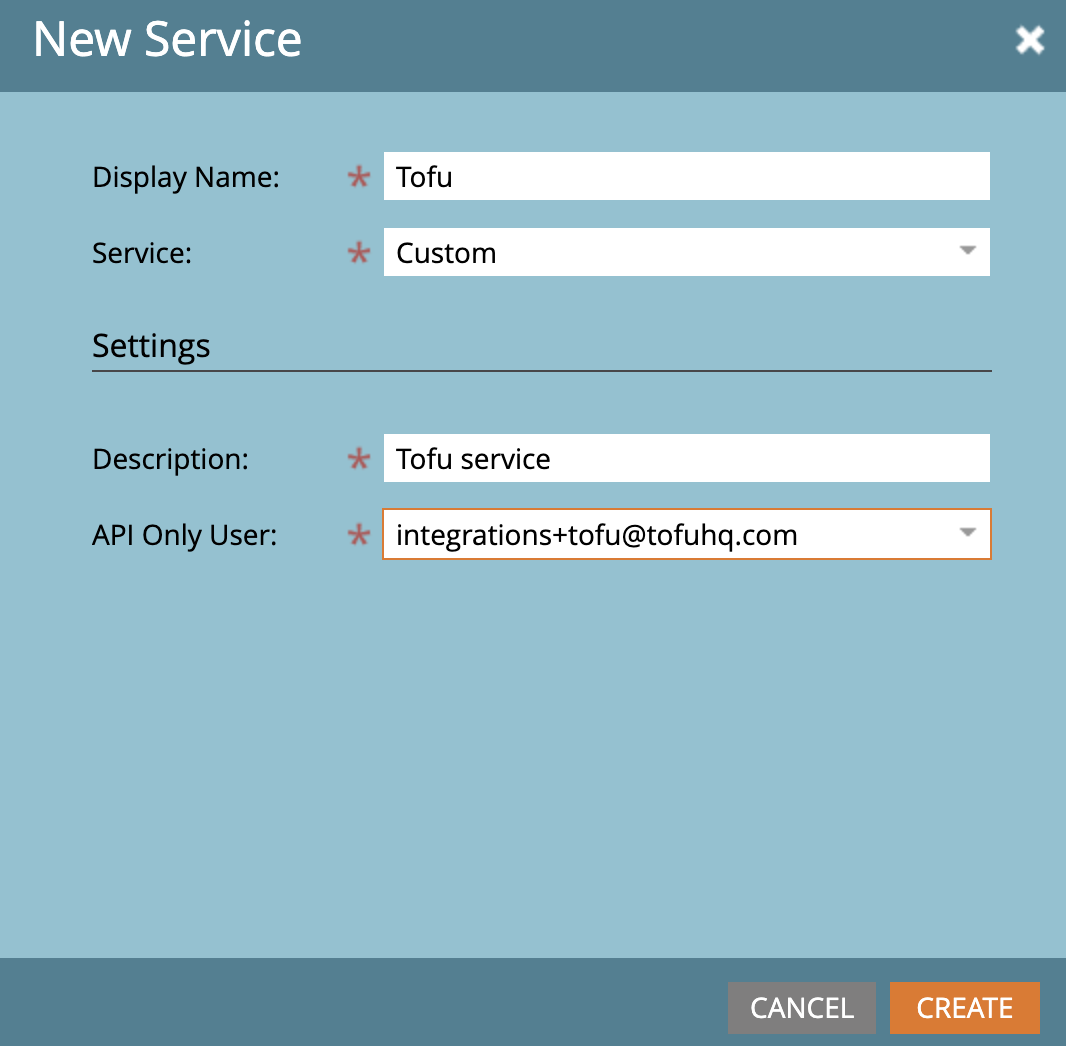
Go to LaunchPoint → New Service. Make sure to choose Custom as the service type and select the API user we just created.
4. Create custom fields to hold Tofu-generated data
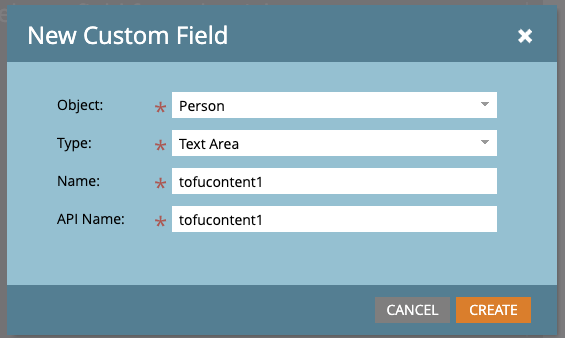
Go to Admin → Database Management → Field Management → New Custom Field.
- Use Text Area as the field type.
- It’s not required, but preferably name the field (both name and API name) as tofucontent1, tofucontent2, etc.
- Make sure the Name and API Name stay the same.
- We recommend creating at least 20 fields.
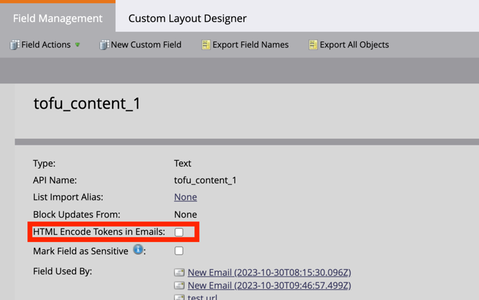
After the fields are created, make sure to toggle this off in the field management UI. This will enable Marketo to properly render HTML formatting (multi-paragraphs, bullet points, bolded text, etc.) for Tofu-generated content.
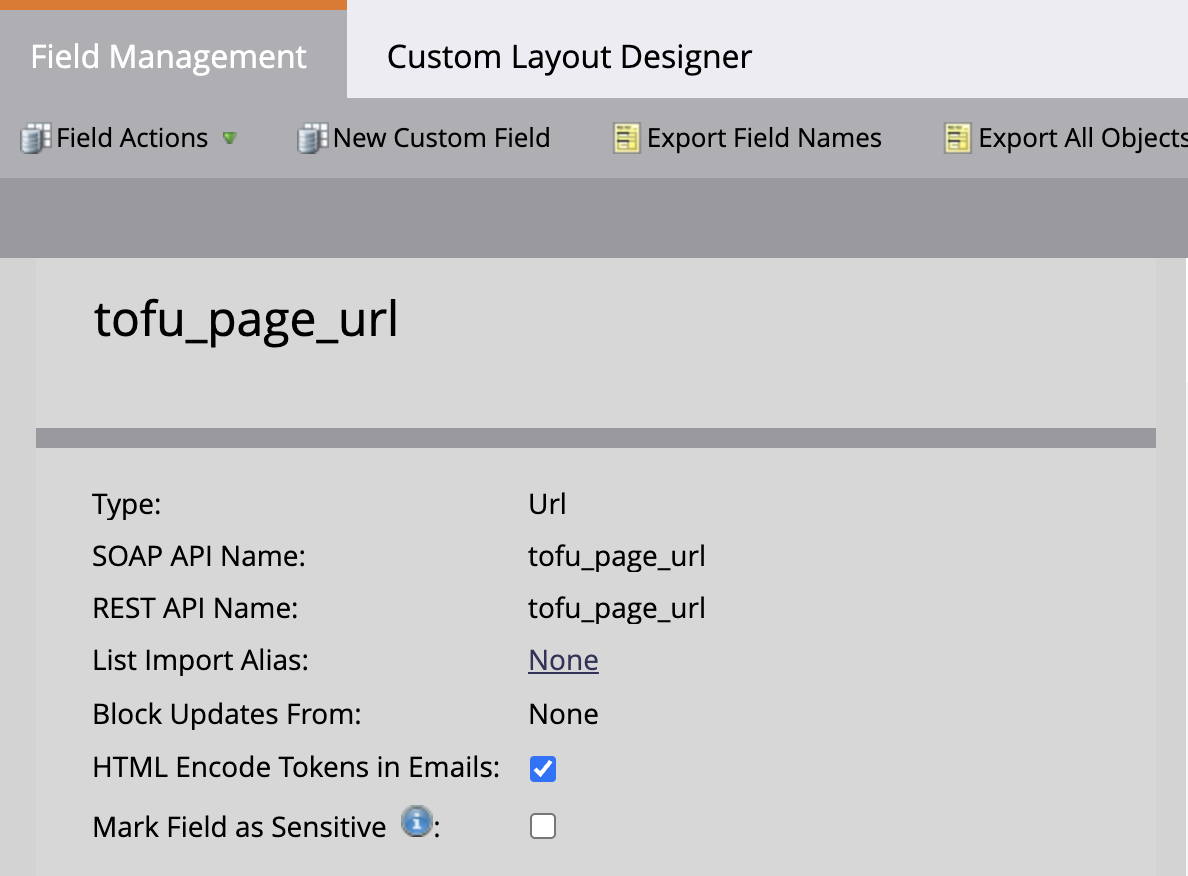
We also need to create one additional field named tofu_page_url to export landing page URL tokens. Make sure the field type is URL.
Connect Tofu with Marketo
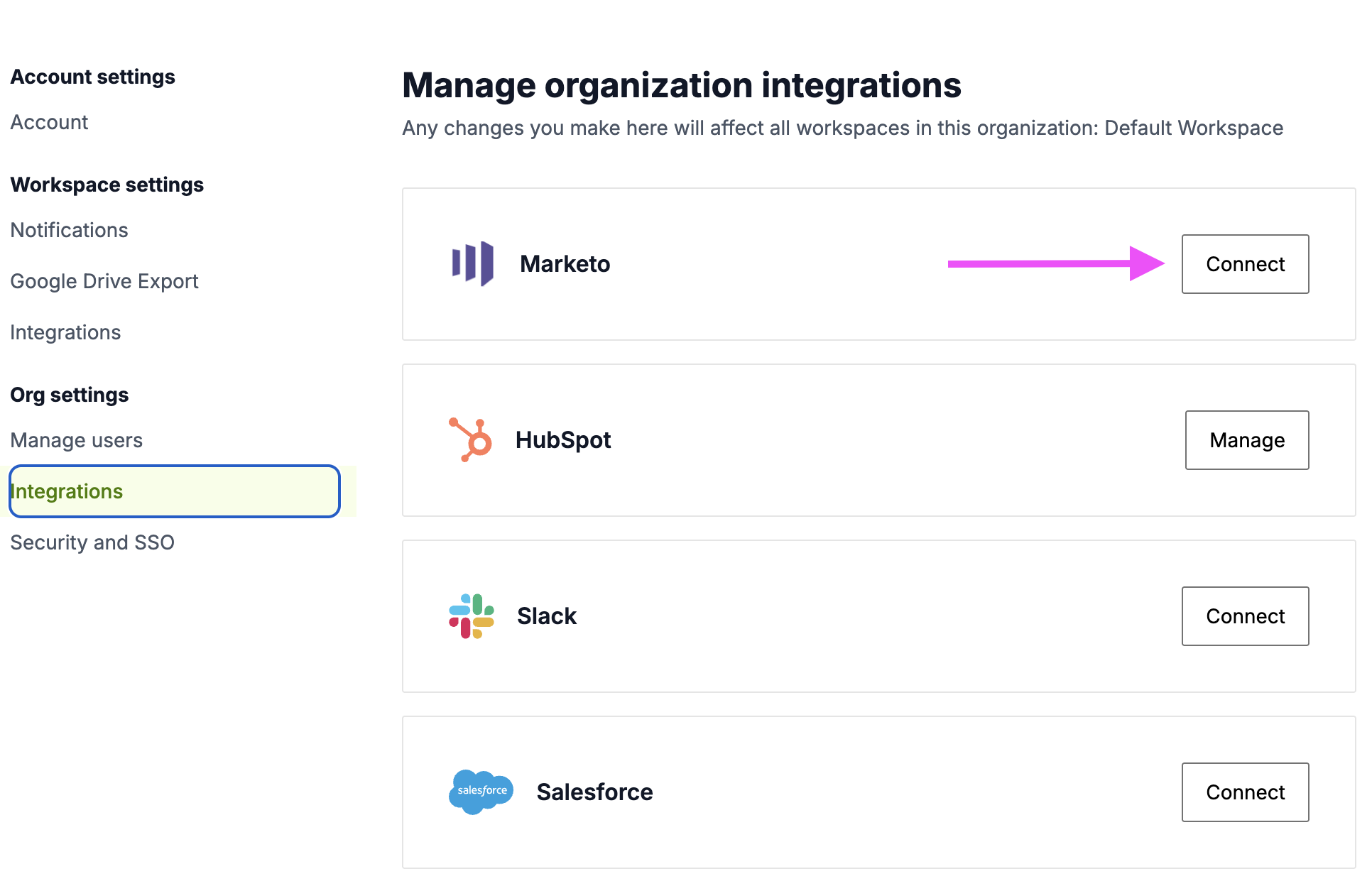
- To connect Tofu with Marketo, go to the org settings within Tofu (direct link here) and click Connect to the right of Marketo.
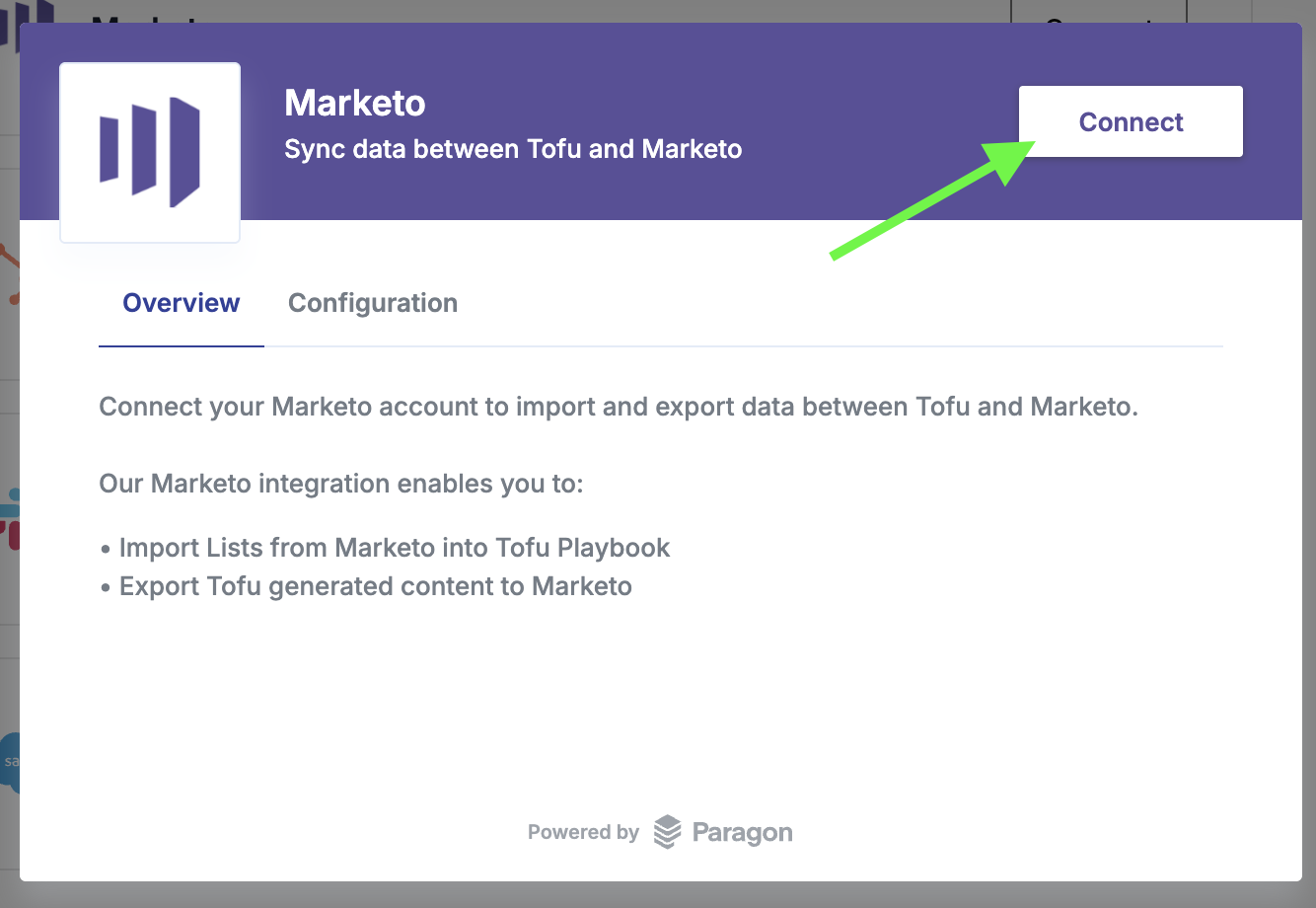
- On the next pop up, click Connect. From there, follow the steps for logging in and authorizing the integration in Marketo.
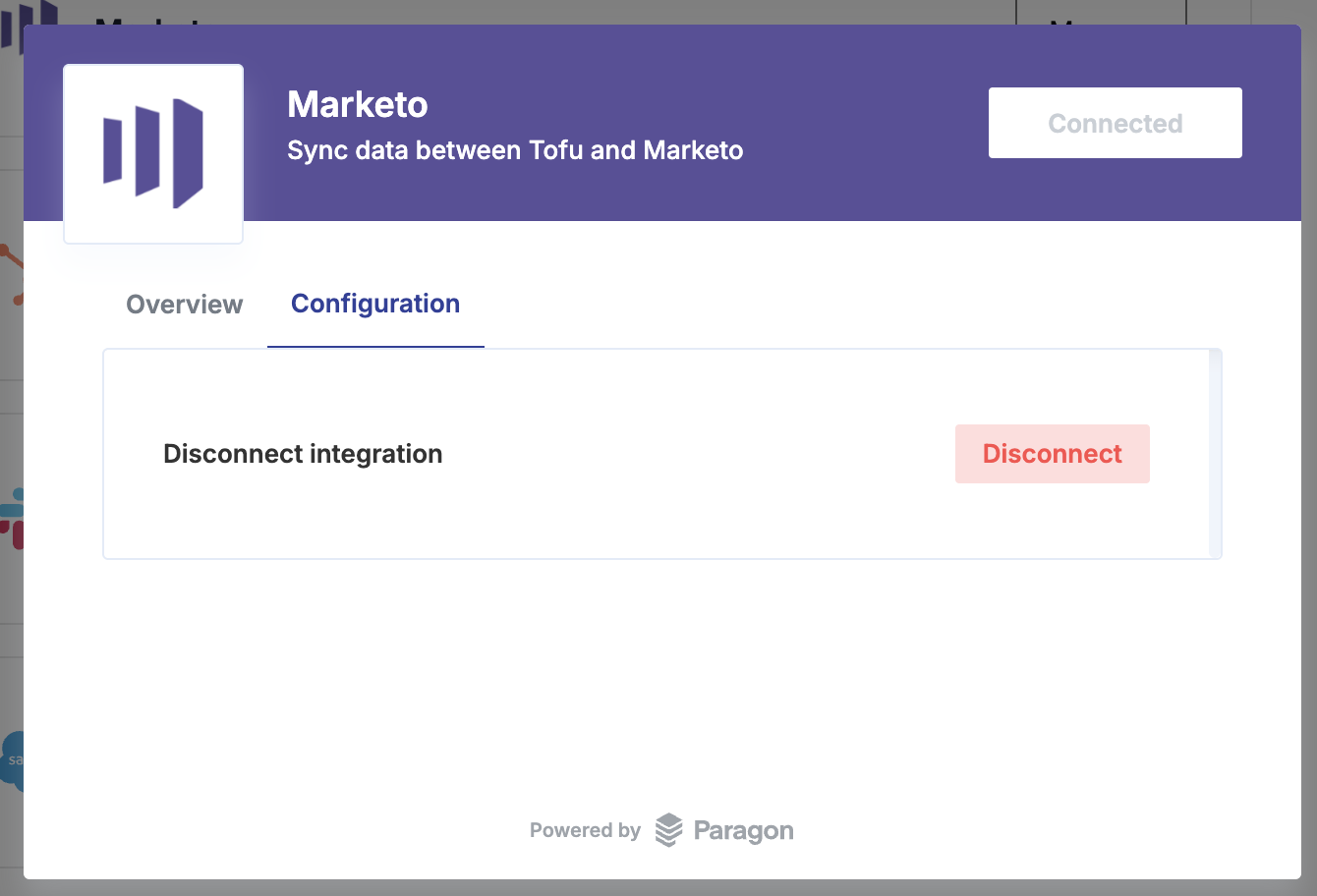
- Once connected, you should see the screen below: